
Speechify
Text to speech reader app plus Speechify Studio for AI voiceovers, dubbing and avatars.
Best for Listening to documents; quick budget voiceovers
Used Speechify and liked it? Upvote it. One upvote per person. Upvotes come from visitors, not from us, and never change "Our ranking".
What it does
Text to speech reader app plus Speechify Studio for AI voiceovers, dubbing and avatars.
Read more: 5 features and how people use themShow less
-
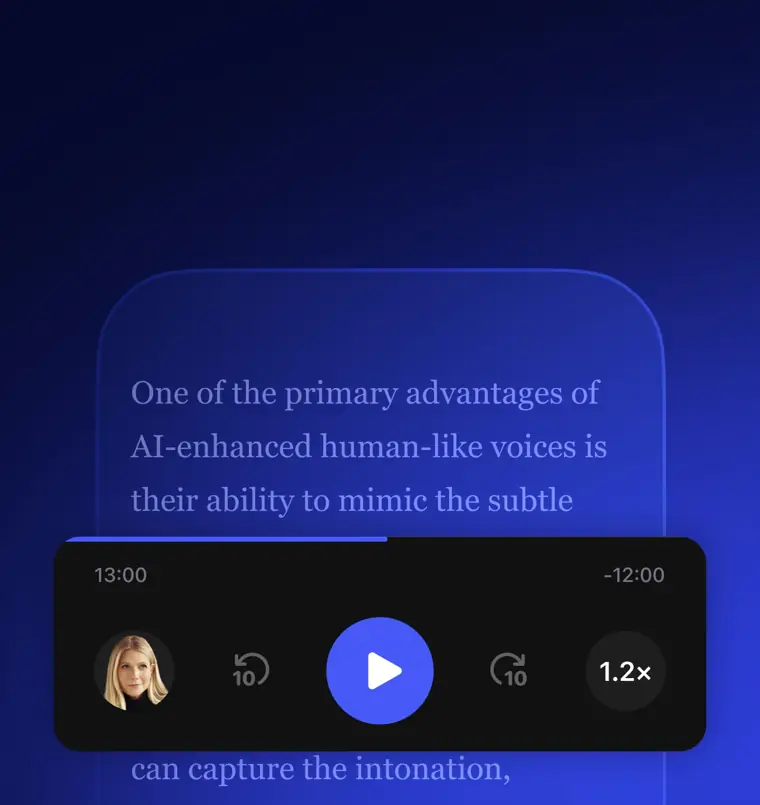
Text to speech reader
Reads digital text, books, articles, and documents aloud using natural sounding AI voices across multiple platforms. It allows playback speed adjustments up to 5x faster.
Use caseA professional listens to incoming work emails and PDF documents instead of reading on a screen.
From speechify.com/pricing-studio · image from Speechify -
AI voice over
Converts written scripts into realistic spoken narration using over 1,000 AI voices in multiple languages. It allows users to fine tune pacing, pitch, and emotion for recorded media.
Use caseA course creator adds spoken audio narration to an elearning training presentation using a Google Slides plugin.
From speechify.com/voiceover-studio-contact -
AI dubbing
Translates and dubs existing video content across more than 60 languages, accents, and dialects with a single click. It automates audio synchronization to adapt media for different geographic audiences.
Use caseA video creator dubs an existing English presentation into multiple foreign languages to distribute across international markets.
From speechify.com/voiceover-studio-contact -
Voice typing
Transcribes spoken words into written text directly inside desktop applications. It enables hands free writing at speeds significantly faster than manual typing.
Use caseA writer dictates notes and responses directly into Gmail and Google Docs instead of typing by hand.
From speechify.com -
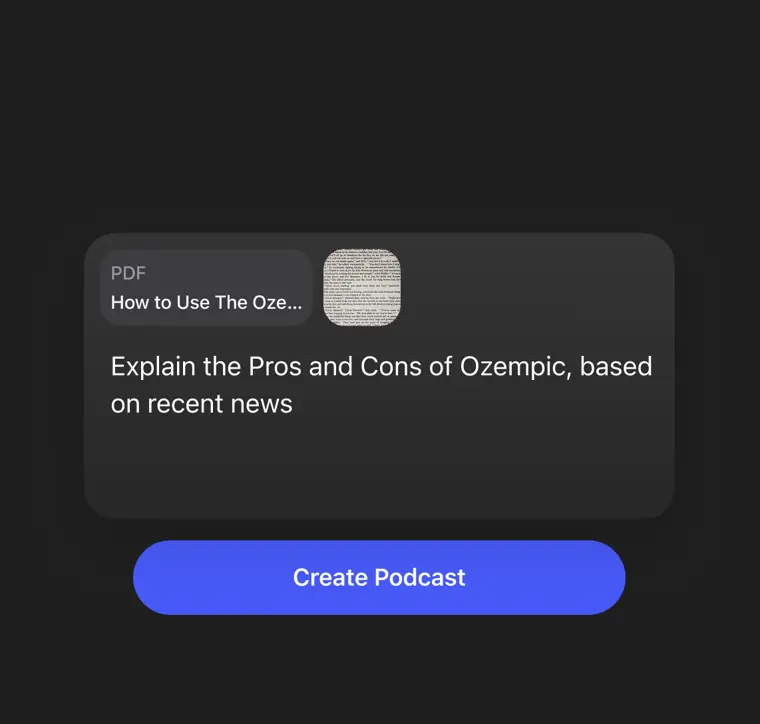
AI podcasts
Generates natural sounding podcast episodes directly from uploaded documents or brief topic descriptions. It processes written material and formats it into conversational audio.
Use caseA student transforms class study materials and reference documents into an audio podcast to review before an exam.
From speechify.com · image from Speechify
Written from Speechify's own website, checked . Each feature links to the page it comes from; images are Speechify's own.
Every plan
| Plan | Monthly | Billed yearly | Per | What it includes |
|---|---|---|---|---|
| Free | Free | $0 | per account | Reader 10 voices; Studio 600 credits, no commercial rights |
| Premium (Reader) | $29 | $11.58 | per account | 1,000+ voices, 60+ languages, up to 5x speed, scan, AI summaries |
| Studio Starter | Not listed | $8.33 | per account | $100/yr, 86,400 credits (1 credit = 1 sec voiceover), commercial rights, dubbing |
| Studio Creator | Not listed | $25 | per account | $300/yr, 345,600 credits |
From Speechify's own pricing page, checked . Prices are in US dollars per month; "billed yearly" is the monthly price when you pay for a year up front. A few figures (often the yearly price) are derived rather than printed on the page.
Before you pay
- Commercial use
- Paid plans only
- Export your data
- Yes (mp3)
What Speechify says
Once you’re ready to start sharing what you’ve built with the outside world and you need to download your work to an mp3
Source page - SOC 2
- Yes
- Support
- Support available 7 days a week
What Speechify says
We offer support anytime you have questions. 7 days a week. We’re here for you!
Source page
Only what Speechify's own pages state, with the quote behind each answer. Anything they don't publish is left out rather than guessed.
What the free plan includes
Reader: 10 basic voices, 1.5x speed. Studio: 600 credits, no commercial rights
Questions people ask about Speechify
How much does Speechify cost?
Paid plans start at $29 a month (Premium (Reader)). 4 plans are listed above, from Speechify's own pricing page.
Is Speechify free?
Yes, there is a free plan: Reader: 10 basic voices, 1.5x speed. Studio: 600 credits, no commercial rights.
Can I use Speechify output commercially?
Yes, on paid plans only. Source
Does Speechify have an API?
Yes.
Is Speechify Studio different from your Text to Speech Reader?
Yes, Speechify Studio and the Text to Speech Reader are two different subscriptions. The Reader plays text aloud from books, articles, and PDFs, whereas Studio enables users to produce human sounding voiceovers for content like podcasts, videos, and audiobooks. Source
How long can I use the free plan for?
Users can use the free plan indefinitely with full functionality to evaluate capabilities before upgrading to export MP3 files. Source
Do I have commercial rights with Speechify Studio?
Yes, Studio gives users perpetual ownership of audio output and commercial rights for their projects. Source
Do I need credits to export my work?
No, once content has been generated, exporting unchanged content does not consume credits. Source
Works with
- Integrations
- Google Drive, Dropbox, Microsoft OneDrive, Slack, Outlook, Cursor, Google Docs, Gmail, Google Slides
- Languages
- 60+ different languages
Where this came from
Plans, prices and limits were copied from Speechify's own pages and the other sources listed, then checked .
- speechify.com/pricing/
- speechify.com/pricing-studio/
- texttolab.com/blog/speechify-pricing
- speechify.com/
How we collect prices and rank tools · Is something wrong? Correct this listing
Others that do the same job
 Listnrlistnr.ai
Budget AI text to speech and podcast voice generator with 1,000+ voices across 140+ languages.
- Green flag: Free plan
- Green flag: Cancel online
- Green flag: No card for trial
- Red flag: Credits reset monthly
 Murf AImurf.ai
Studio style AI voiceover maker with 200+ voices, voice cloning, and Falcon TTS API for developers.
- Green flag: Free plan
- Green flag: Cancel online
- Green flag: No card for trial
- Green flag: Credits don't expire
 Resemble AIresemble.ai
Enterprise voice cloning and TTS platform with deepfake detection and audio watermarking via API.
- Green flag: Free plan
- Green flag: No card for trial
- Green flag: Credits don't expire
 WellSaidwellsaid.io
Enterprise focused AI voiceover studio with curated, licensed voice actor voices for training and marketing content.
- Green flag: No card for trial
- Green flag: Doesn't train on your data
 ElevenLabselevenlabs.io
Lifelike multilingual text to speech, voice cloning, dubbing and conversational voice agents with a developer API.
- Green flag: Free plan
- Green flag: Some credits roll over
- Red flag: Failed runs cost credits
LOVO (Genny)lovo.ai
Genny is LOVO's AI voiceover and video editor with 500+ voices, cloning, and auto subtitles.
- Green flag: Free plan